





Which Motherboard to Choose for RTX 3060 Series Video Cards for Mining
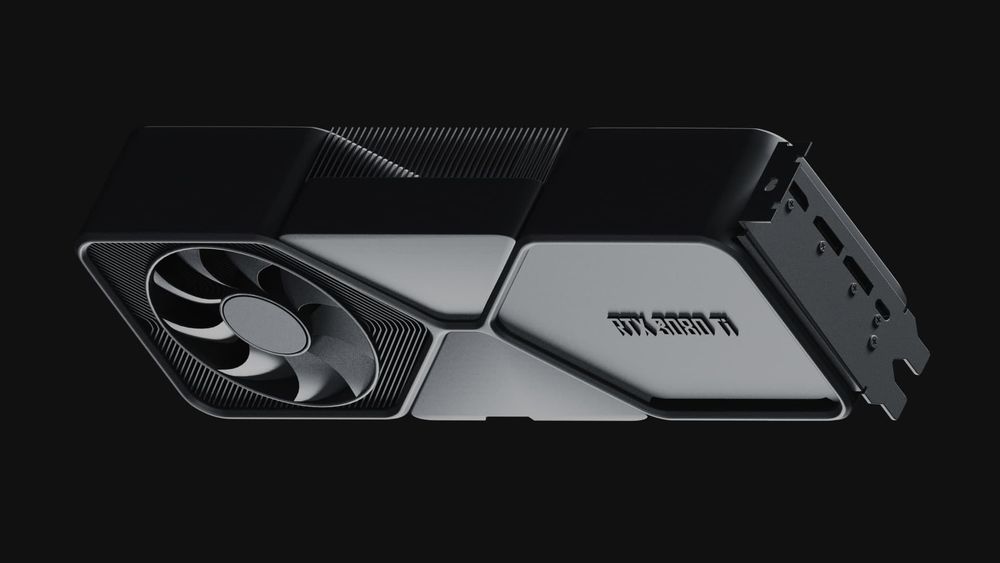

Nvidia GeForce RTX 3060 remains a common card in budget GPU-mining builds. But the graphics card is only half of the build — the motherboard determines how many cards you can run, how stably they run, and how much configuration pain you sign up for.
Key Takeaways
- The motherboard does not affect your hashrate — hashing happens entirely on the GPU. What the board determines is stability, the number of cards you can connect, and how painless the setup is. Judge boards by those criteria
- For a single card, virtually any board with a PCIe x16 slot works; for multi-GPU rigs, what matters is the number of usable slots (x1 slots via risers are standard), BIOS support for many GPUs (Above 4G Decoding), stable power delivery, and slot spacing
- The classic “mining boards” — Asus B250 Mining Expert, ASRock H110 Pro BTC+, Biostar TB360-BTC and peers are legacy LGA1151 platforms (6th-9th gen Intel), long out of production. They still work and are found on the used market, but factor in used-hardware risk, BIOS updates, and the shrinking supply of compatible CPUs and DDR4
What a Motherboard Actually Does in a Mining Rig
Motherboards are one of the most important components when assembling any computer, and a mining rig is no exception. The motherboard connects all components and keeps them working together — 24/7, under constant load.
Be precise about the board’s role: it does not make your GPU hash faster. Hashrate is determined by the graphics card itself (its silicon, memory, and tuning). What the motherboard contributes is everything around that — stable power delivery to the slots, reliable detection of multiple cards, BIOS features for multi-GPU operation, and physical durability under continuous load.
On compatibility: for a single card, PCIe backward and forward compatibility means virtually any board with a PCIe x16 slot will run an RTX 3060 — that part is easy. The practical questions start with multi-GPU rigs: how many slots the board exposes (mining builds typically connect cards to x1 slots through risers — bandwidth is irrelevant for mining), whether the BIOS supports many GPUs (look for Above 4G Decoding and mining modes), whether slot power delivery is reinforced, and whether an older board needs a BIOS update to behave with modern cards. “Any board with PCIe slots will work” is true only for the trivial single-card case.
The Classic Mining Boards (Legacy — Used Market)
The boards below became the standard of the GPU-mining era. All of them are LGA1151 platforms for 6th-9th generation Intel CPUs and have been out of production for years — today they are bought and used. They remain functional choices for multi-GPU rigs, with the usual used-hardware caveats: verify board condition, expect possible BIOS updates, and note that compatible CPUs and DDR4 memory are also aging stock.
Asus B250 Mining Expert
ATX; up to 19 GPUs; Intel 6th/7th gen (Socket 1151); 1 x PCIe 3.0 x16 + 18 x PCIe 2.0 x1; 2 x DDR4. The first motherboard to support 19 GPUs, with a dedicated mining mode requiring no extra BIOS configuration, overvoltage protection, and reinforced power design.
ASRock H110 Pro BTC+
ATX; up to 13 GPUs; Intel 6th/7th gen (Socket 1151); 1 x PCIe 3.0 x16 + 12 x PCIe 2.0 x1; 2 x DDR4. Solid-state capacitors and overvoltage protection; a workhorse of large rigs in its day.
MSI Z270-A PRO
ATX; up to 6 GPUs; Intel 6th/7th gen (Socket 1151); 3 x PCIe x16 + 3 x PCIe x1. A general-purpose board that served well in small rigs thanks to convenient BIOS adjustment.
ASUS Prime Z390-P
ATX; up to 6 GPUs; Intel 8th/9th gen (Socket 1151); 2 x PCIe 3.0 x16 + 4 x PCIe 3.0 x1. Hardware and LAN protections, comprehensive fan control (Fan Xpert 4).
Biostar TB360-BTC PRO 2.0
ATX; up to 12 GPUs; Intel 8th/9th gen (Socket 1151); 1 x PCIe 3.0 x16 + 11 x PCIe 2.0 x1; M.2 slot. Purpose-built for mining, with slot protection against overloads and short circuits and straightforward BIOS setup.
Comparing the Models
Compare these boards by GPU capacity (19 / 13 / 6 / 6 / 12), platform generation (6th-7th gen for B250, H110, Z270; 8th-9th for Z390, TB360), and setup convenience (B250 and TB360 need essentially no BIOS tuning; H110 requires more configuration). Prices are deliberately omitted: all five are discontinued, and used-market pricing varies too widely by region and condition for a fixed number to mean anything.
FAQ
Can I mine on an RTX 3060?
Yes, the RTX 3060 remains a common budget mining card. Whether it is profitable depends on your electricity price and the current economics of the coins it can mine; check a live calculator before assuming anything.
How much will I make mining on an RTX 3060?
There is no standing figure. The widely quoted numbers for this card — 48 MH/s and “up to $0.35 daily” — come from the Ethereum era: 48 MH/s is an Ethash hashrate, and Ethereum has not been mineable since September 2022. Today the RTX 3060 mines other algorithms (for example KawPow for Ravencoin) at entirely different hashrates and economics. Run your exact card, algorithm, and electricity price through a live profitability calculator, and treat the result as dated.
How long will the RTX 3060 pay off via mining?
A fixed payback period cannot be quoted honestly: ROI depends on the card’s current price (new or used), the coin mined, network difficulty, coin price, and your electricity cost — all moving. Compute your own: (daily net income from a live calculator) versus (what you actually paid for the card), and re-check as conditions change.
What kind of motherboard is needed for the RTX 3060 Ti?
For a single card — practically any board with a PCIe x16 slot. For a multi-card rig — a board with enough usable slots (x1 via risers is standard), BIOS support for multiple GPUs (Above 4G Decoding), and solid power delivery.
without growing costs
cryptocurrencies



