




'%3e%3crect%20x='67.937'%20y='0.078125'%20width='15.0077'%20height='14.9965'%20rx='4.17731'%20fill='%23208F4E'/%3e%3crect%20x='67.8081'%20y='-0.21875'%20width='3'%20height='15'%20fill='%2363D793'/%3e%3cpath%20d='M78.5644%206.8781H76.1787L75.4418%204.60156L74.7026%206.8781L72.3169%206.87579L74.2489%208.28419L73.5097%2010.5584L75.4418%209.15232L77.3716%2010.5584L76.6347%208.28419L78.5644%206.8781Z'%20fill='%23111111'/%3e%3cpath%20d='M76.804%208.79613L76.6382%208.28125L75.4453%209.14938L76.804%208.79613Z'%20fill='%23111111'/%3e%3c/g%3e%3cdefs%3e%3cclipPath%20id='clip0_34823_22293'%3e%3crect%20x='67.937'%20y='0.078125'%20width='15.0077'%20height='14.9965'%20rx='4.17731'%20fill='white'/%3e%3c/clipPath%3e%3c/defs%3e%3c/svg%3e)







How to Add a Crypto Card to Google Pay: Step-by-Step Guide
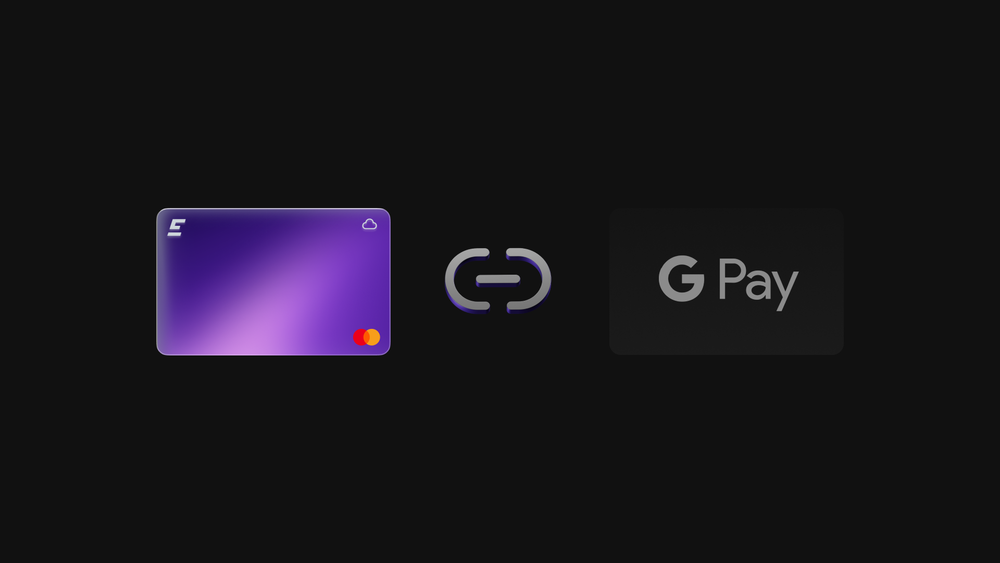

To link a crypto card with Google Pay, users need a compatible card, a supported Android device, and Google Wallet set up correctly. Google Wallet is the app used to add cards and make Google Pay contactless payments. The crypto platform handles balance checks and approves transactions based on the card program rules.
This guide explains how Google Pay works with the EMCD Payment Card, what the setup flow looks like, and what to check if activation fails.
How Google Pay works with crypto cards on Android
Google Pay does not store crypto assets. It stores encrypted card credentials and sends payment requests through standard card networks to the issuer. When a transaction is initiated, the card program checks availability and either approves or declines the payment.
A crypto card gpay android setup follows the same logic as adding a traditional debit card. The difference is that the funding source may be tied to a crypto platform balance and the card program rules.
Requirements before you add the card
Before starting, confirm the basics to prevent setup errors:
- an active EMCD account
- the EMCD app installed on an Android device
- an issued and active EMCD Payment Card
- a supported Android version with Google Wallet enabled
- internet access and device security settings turned on
At this stage, the card should be visible and active inside the app.
Virtual card Google Pay crypto setup
The EMCD Payment Card is issued as a virtual card, so it can be added to Google Wallet without waiting for a physical card.
To begin the process:
- Open Google Wallet (Google Pay) on your Android device
- Tap Add to Wallet → Payment card → New credit or debit card
- In the EMCD app, open Payment Card and copy the card details
- Paste the details into Google Wallet fields (card number, expiry date, CVV), then tap Save / Continue
- Accept the issuer terms and tap OK
- Complete verification (often a confirmation code sent by email), then tap OK again
- Once verified, the card is ready for contactless payments where Google Pay is accepted
Using the EMCD Payment Card with Google Pay
After activation, the card can be used for everyday payments where Google Pay is accepted. Limits, supported categories, and card status are shown in the EMCD app, along with transaction history.
If needed, the card can be frozen quickly in the app.
Why won’t my crypto card add to Google Pay?
Users often ask why won’t my crypto card add to google pay during setup. In most cases, the issue is related to device settings, app versions, region, or verification status.
Common reasons include:
- outdated Android version
- Google Wallet not updated
- regional restrictions
- card temporarily inactive or frozen
- verification not completed
Most issues can be resolved by checking the card status in the app, updating Google Wallet, and confirming the device software is up to date.
EMCD Payment Card and platform logic
The EMCD Payment Card works like a standard debit card for everyday spending. Transactions follow the usual card-processing flow and may be handled through EMCD’s partners, depending on the region and card program.
For the user, the key point is operational: the card is managed in the EMCD app, where status, limits, and transaction history are visible, and actions like freezing the card are available.
Conclusion
Adding a crypto card to Google Pay is a straightforward flow in Google Wallet, as long as the card is supported, active, and verified. With EMCD, users manage card status and controls in one app, and use Google Pay for fast contactless payments on Android.
without growing costs
cryptocurrencies